Public booking demo
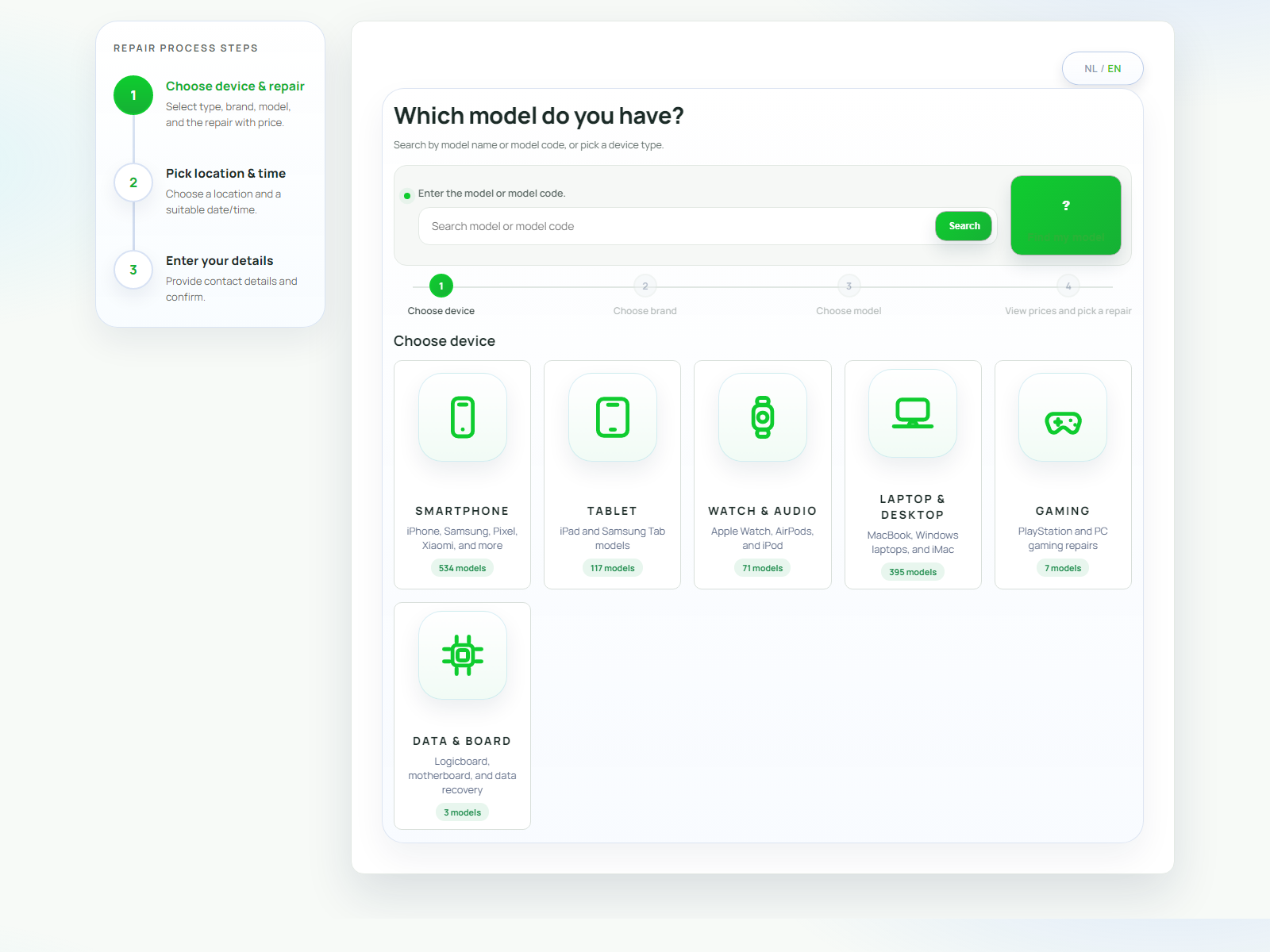
Walk through the customer-facing repair flow from device selection to booking confirmation.
Open booking demoDemo
The demo journey should show the public booking flow, the Receiver Portal, and the operational admin side.
Walk through the customer-facing repair flow from device selection to booking confirmation.
Open booking demoSee how desk staff can sign in quickly, choose a location, and process device handovers.
Open receiver demoExplore the operational side: bookings, reports, invoices, and business control.
Open admin demoWhat to check
Check clarity, steps, device selection, language polish, and whether the flow feels like a specialist repair website.
What to verify
Ask whether the product helps a shop receive devices faster, keep status cleaner, and hand accounting better invoice data.